Core Web Vitals: What Actually Moves the Needle
 Serve Innovate
8 min read
Serve Innovate
8 min read
Most performance work fails for the same reason: it optimizes the number in the lab rather than the experience in the field. A perfect Lighthouse score on a developer laptop tells you very little about a customer on a mid-range Android phone on a congested network.
Core Web Vitals matter for two reasons. They are a genuine proxy for whether a site feels usable, and they are a ranking input. But the fixes that move them are not the ones most commonly recommended.
The three metrics, briefly
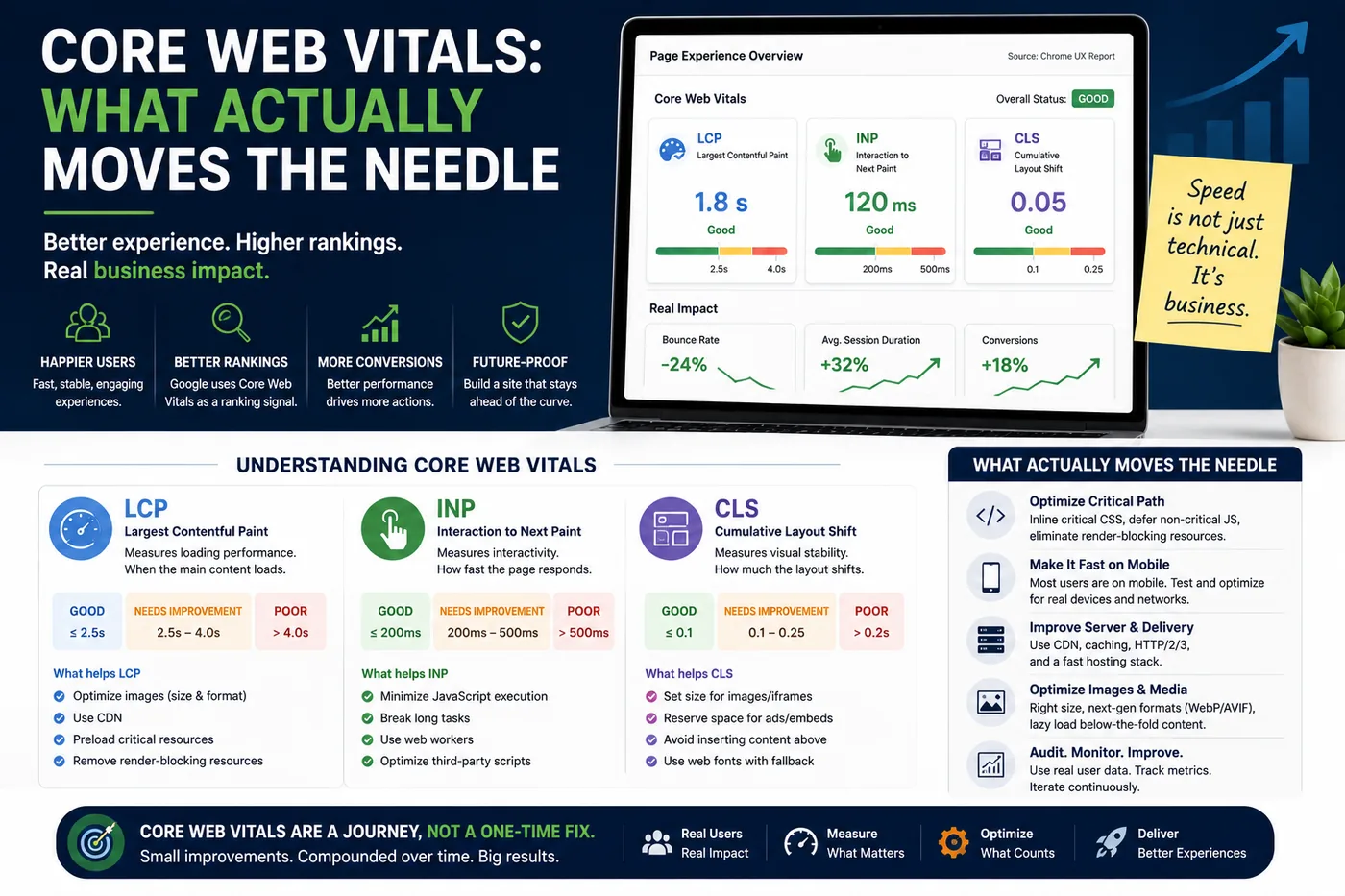
- LCP (Largest Contentful Paint) — how long until the main content is visibly rendered. Target under 2.5 seconds.
- INP (Interaction to Next Paint) — how quickly the page visually responds to taps and clicks, measured across the whole visit. Target under 200 milliseconds.
- CLS (Cumulative Layout Shift) — how much content jumps around while loading. Target under 0.1.
INP replaced First Input Delay because FID only measured the delay before processing started, which flattered pages that responded instantly and then froze. INP measures the full interaction, which is what a user actually perceives.
Building or rebuilding a site? See our SEO-ready website development services.
Fixing LCP
LCP is almost always one of three things: a slow server response, a render-blocking resource, or an oversized hero image. In that order.
- Measure the server first. If time to first byte is 800 ms, no amount of front-end work will get LCP under 2.5 s. Caching, a CDN, and fixing the slow query usually beat any bundler change.
- Preload the LCP element and nothing else. Preloading everything is the same as preloading nothing — it just moves the contention.
- Serve the hero image at the size it renders, in AVIF or WebP, with explicit width and height, and
fetchpriority="high". - Self-host critical fonts with
font-display:swapand preconnect to any font origin you cannot self-host.
If your LCP element is an image, the entire optimization is: make it smaller, discover it earlier, and stop anything else competing for bandwidth before it.
Fixing INP
INP problems are long tasks on the main thread. The usual culprits are hydration of components nobody interacted with, oversized third-party scripts, and event handlers doing layout-thrashing work synchronously.
- Audit third-party scripts ruthlessly. Chat widgets, heat-mapping, and tag managers are frequently the single largest INP contributor on an otherwise fast site.
- Break up long tasks and yield to the main thread so the browser can paint between chunks.
- Defer non-critical JavaScript until interaction or idle time rather than parse time.
- Give immediate visual feedback on interaction — a pressed state that paints in 50 ms buys you the time to do the real work.
Fixing CLS
CLS is the cheapest of the three to fix and the most commonly ignored. Reserve space for anything that loads late: dimensions on every image and iframe, a min-height on ad and embed slots, and no content injected above existing content after paint. Font swapping causes shift too — matching fallback metrics with size-adjust removes most of it.
Trust field data over lab data
Lab tools such as Lighthouse are diagnostic; they tell you what is slow and why. Field data — the Chrome UX Report, or your own real-user monitoring — tells you whether it matters. Ranking uses field data. Optimise against the 75th percentile of your actual visitors, segmented by device, and ignore the score badge.
How we approach performance
Every site we build ships with a performance budget agreed before design begins, image and font strategy decided at build time rather than retrofitted, and third-party scripts loaded on a deliberate schedule. Retrofitting speed onto a finished build costs several times what designing for it costs upfront.
The short version
Fix the server, ship one properly sized hero image, cut the third-party scripts you cannot justify, reserve space for late-loading content, and measure real users. That list covers the large majority of real-world Core Web Vitals failures — long before anything exotic is required.
Serve Innovate
We design, build, market and scale digital experiences — e-learning, websites, campaigns and custom software — for organizations that want one accountable partner rather than four.
Work with usFrequently asked
What is a good Core Web Vitals score?
Do Core Web Vitals affect Google rankings?
How do I measure Core Web Vitals on my own site?
Why does my Lighthouse score say 100 but Search Console still reports failures?
Which Core Web Vital is usually the easiest to fix?
Do Core Web Vitals matter more on mobile or desktop?
Headless CMS vs Traditional CMS: Which Fits Your Website
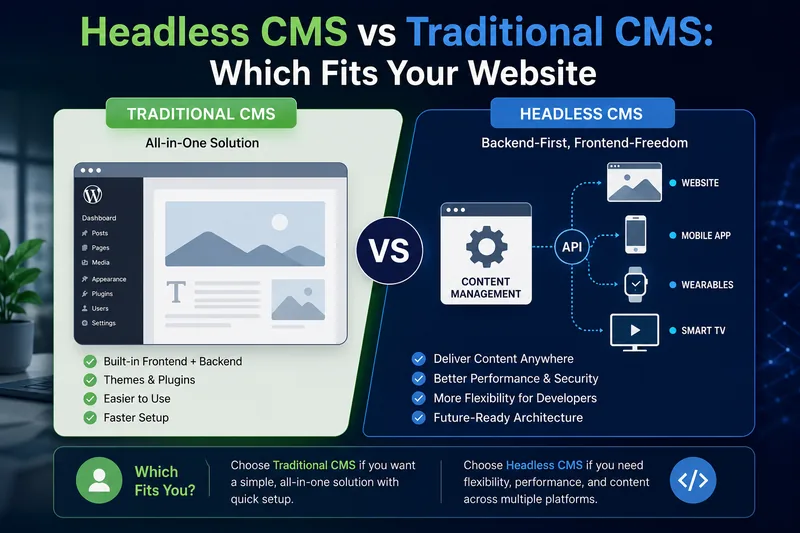
Headless is not the upgrade path from WordPress. It is a different trade — you gain flexibility and hand back everything editors used to do without a developer.
Read article
Technical SEO: The Checklist to Run Before You Launch
Most catastrophic SEO losses come from three or four things done wrong at launch — and every one of them is checkable in an afternoon.
Read article