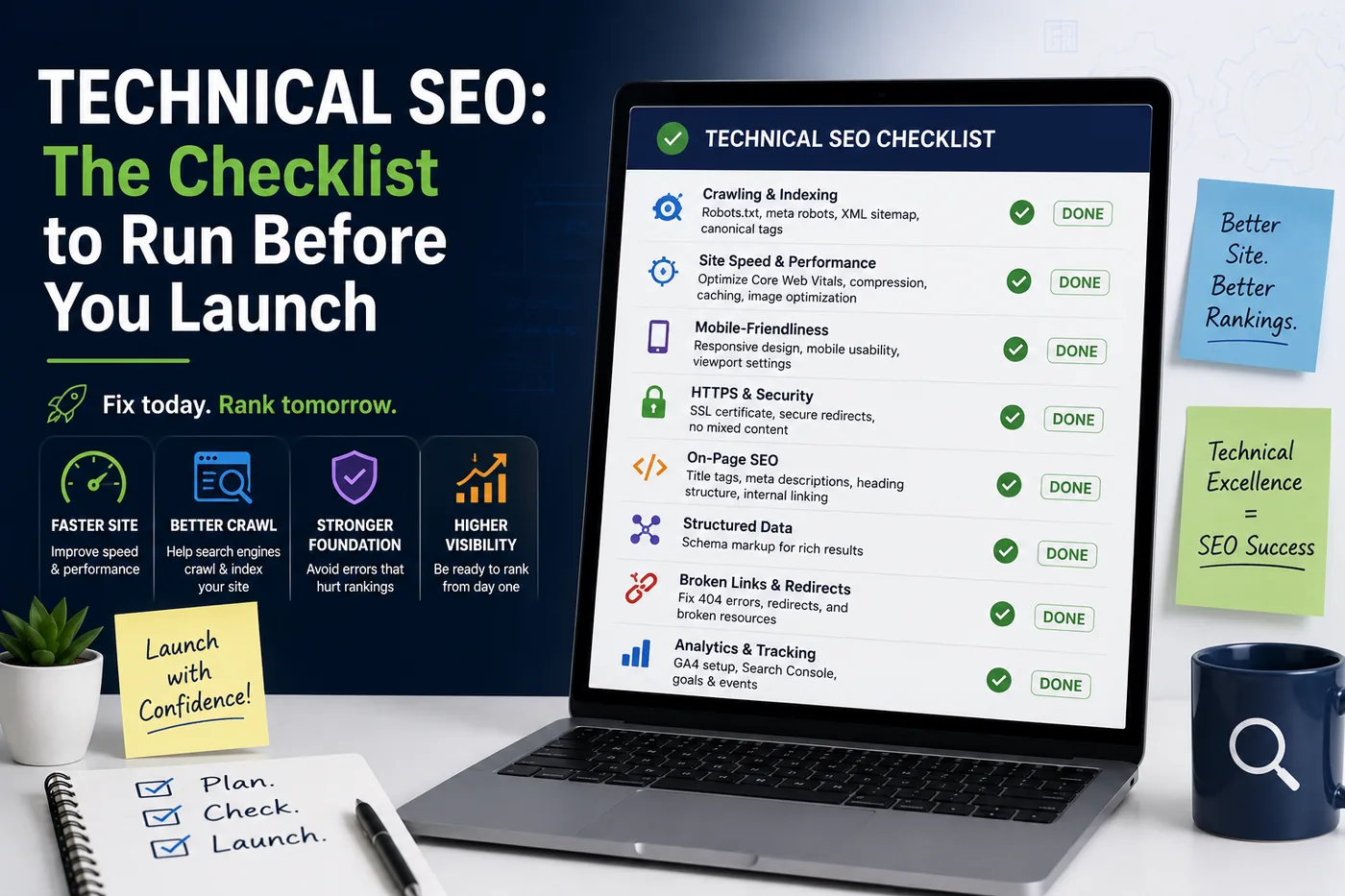
Technical SEO: The Checklist to Run Before You Launch
 Serve Innovate
7 min read
Serve Innovate
7 min read
Technical SEO disasters are rarely subtle. They are a staging robots.txt shipped to production, or a redesign launched without redirect mapping. Both are entirely preventable, and both routinely cost sites the majority of their organic traffic.
Indexation — get this wrong and nothing else matters
Check these before anything else, because every other optimisation is worthless if the site cannot be indexed.
- The production
robots.txtis the production version. A staging file containingDisallow: /reaching production is the single most expensive one-line mistake in web development. Verify the live file by fetching it, not by trusting the deployment. - No stray
noindextags. Crawl the built site and list every page carrying a robots meta tag. A staging-wide noindex frequently survives into production on a subset of templates. - The CMS “discourage search engines” setting is off. WordPress in particular ships this checkbox, and it silently overrides everything else.
- No HTTP authentication left on. Password-protected staging behaviour carried into production blocks crawlers as effectively as it blocks users.
Do this check on launch day and again 48 hours later, because deployments after launch have a habit of restoring staging configuration.
Building or rebuilding a site? See our SEO-ready website development services.
One URL per page, declared
Duplicate-URL problems dilute ranking signals across variants of the same page. Four decisions settle it:
- Pick a canonical hostname — www or non-www — and 301 the other to it. Both resolving with a 200 is the default failure.
- Force HTTPS. An http variant returning 200 doubles every URL on the site.
- Decide on trailing slashes and redirect the other form consistently.
/aboutand/about/both returning 200 is the same duplication in a less obvious costume. - Emit a self-referencing canonical on every page, using the absolute URL in the form chosen above. Confirm that parameterised URLs — tracking tags, filters, pagination — canonicalise correctly rather than being ignored.
The quickest test: request every variant of your homepage and confirm exactly one returns 200 and the rest 301 to it.
Redirect mapping — the redesign killer
If URLs change during a redesign, every old URL with traffic or links needs a 301 to its closest equivalent. This is the work that gets compressed when a launch date slips, and it is the reason redesigns lose traffic.
- Export every URL from Search Console, analytics and the old sitemap, then crawl the old site to catch pages missing from all three.
- Map to the closest specific equivalent. Bulk-redirecting everything to the homepage is treated as a soft 404 and preserves nothing.
- Use 301, not 302. Temporary redirects do not consolidate signals.
- Avoid chains. Old URL to intermediate to final wastes crawl budget and loses value at each hop; point directly to the destination.
- Test the mapping against staging before launch, not after.
Performance and rendering
Two checks account for most launch-time performance regressions:
- The LCP element is server-rendered and preloaded. Identify what it actually is — usually a hero image or headline — and make sure it is not waiting on JavaScript or a lazy-loading attribute. Never lazy-load the LCP image.
- Explicit dimensions on every image and embed. Missing width and height attributes are the dominant cause of layout shift.
If the site renders client-side, verify what Googlebot sees using the URL Inspection tool’s rendered HTML — not the view-source output. Content that only exists after a client-side fetch may be indexed late, partially, or not at all.
Structured data and the crawl basics
- Validate every schema type in the Rich Results Test. Invalid JSON-LD is ignored entirely rather than partially, so a single syntax error removes all eligibility on that page.
- Do not mark up content that is not visible on the page. It is a guidelines violation and a manual-action risk.
- Ship an accurate XML sitemap containing only canonical, indexable, 200-status URLs — and reference it from robots.txt.
- Give every page a unique title and meta description. Templated pages sharing one title are among the most common and cheapest issues to fix.
- Check internal linking depth. Anything more than three clicks from the homepage is crawled less often; orphan pages may not be crawled at all.
The launch-day sequence
In order, on the live site, the hour it goes public:
- Fetch
robots.txtand read it. - Crawl the site and filter for
noindex, 404 and 5xx responses. - Test twenty of the highest-traffic old URLs and confirm each 301s to the right place.
- Confirm one homepage variant returns 200 and the others redirect to it.
- Submit the sitemap in Search Console and request indexing on the key templates.
Then check again in 48 hours. A meaningful share of launch SEO failures are introduced by the first deployment after launch, not by the launch itself.
Serve Innovate
We design, build, market and scale digital experiences — e-learning, websites, campaigns and custom software — for organizations that want one accountable partner rather than four. More about Serve Innovate, or see how we run a project.
Work with usFrequently asked
What is the most common technical SEO mistake at launch?
Do I need to redirect old URLs after a website redesign?
Should canonical tags point to the page itself?
How do I check what Google actually sees on a JavaScript site?
Does structured data improve rankings?
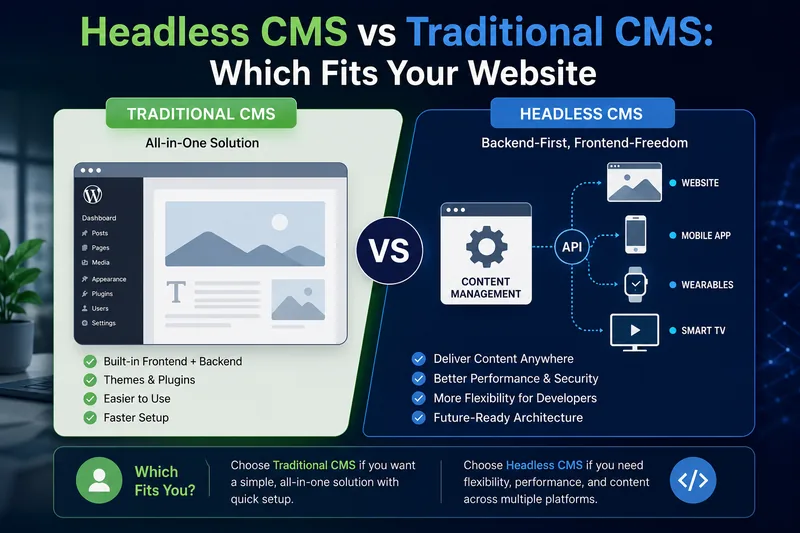
Headless CMS vs Traditional CMS: Which Fits Your Website
Headless is not the upgrade path from WordPress. It is a different trade — you gain flexibility and hand back everything editors used to do without a developer.
Read article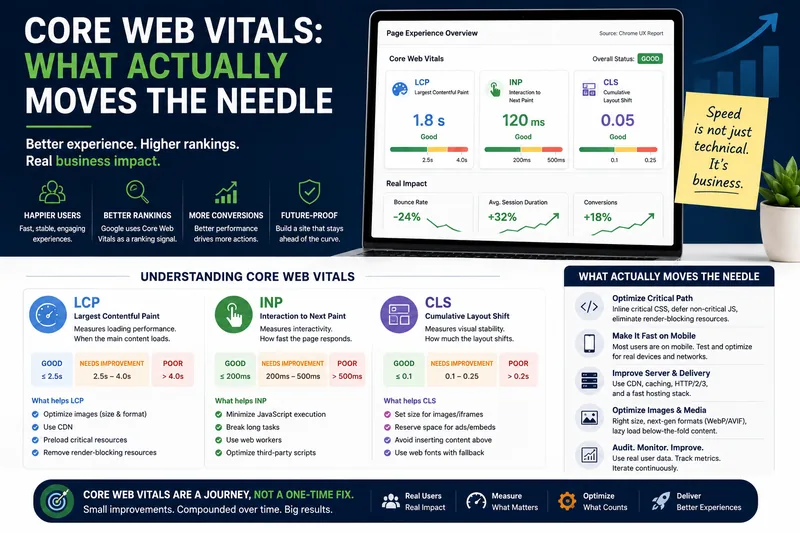
Core Web Vitals: What Actually Moves the Needle
LCP, INP and CLS explained without the folklore — and the short list of fixes that move real-user numbers rather than lab scores.
Read article