Headless CMS vs Traditional CMS: Which Fits Your Website
 Serve Innovate
8 min read
Serve Innovate
8 min read
Headless CMS is frequently recommended as the modern replacement for a traditional CMS. It is more accurate to treat it as a different distribution of work: less constraint on developers, considerably more dependence on them.
The actual difference
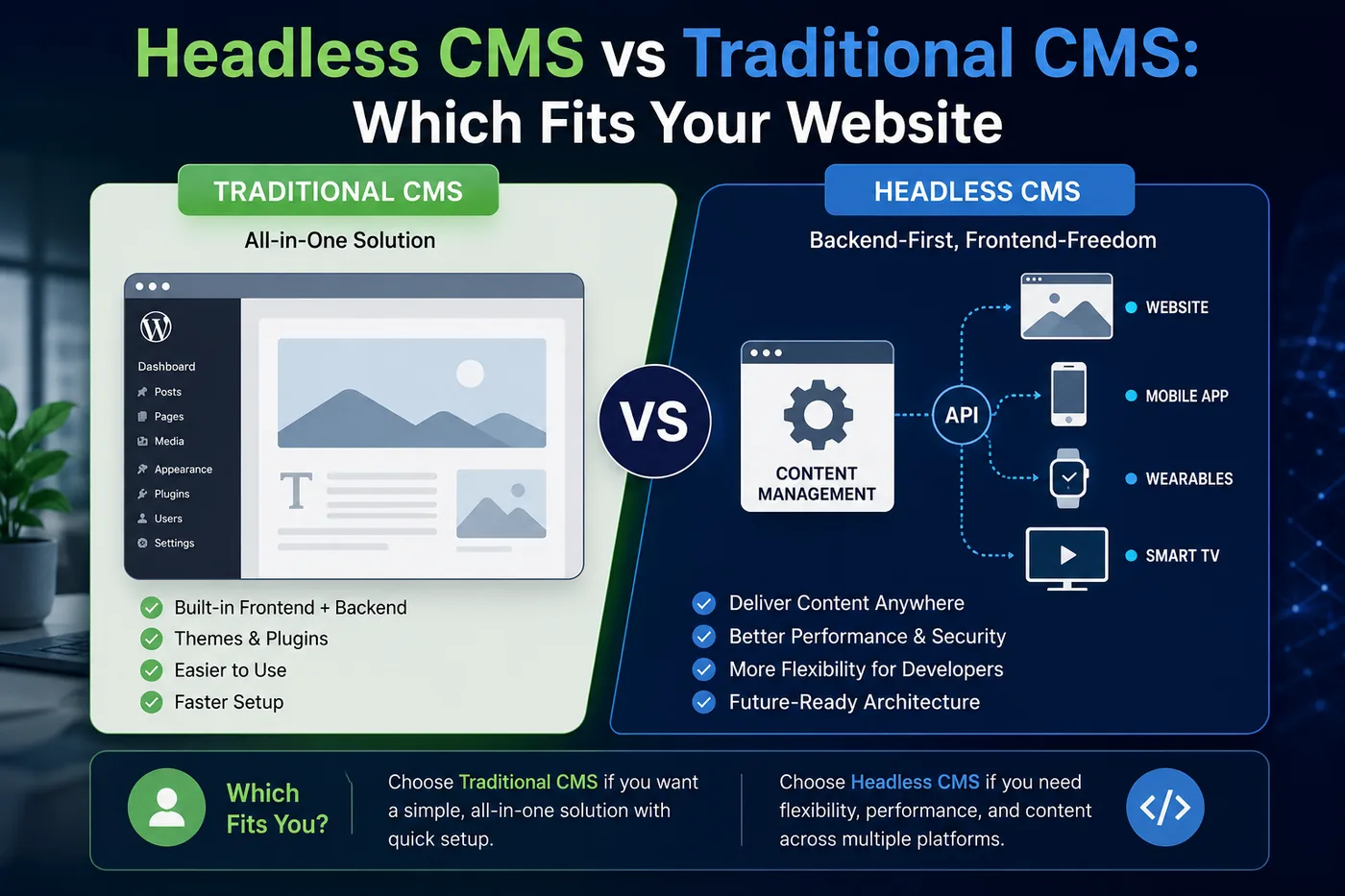
A traditional CMS such as WordPress or Drupal stores content and renders the pages that display it. Templates, content and delivery live in one system, and an editor changing a page sees the result immediately in something resembling the final layout.
A headless CMS stores content and exposes it over an API. It has no opinion about presentation. A separate front end — Next.js, Astro, a mobile app, a screen in a store — requests the content and decides how it appears.
Everything else follows from that split. It is not primarily a question of modern versus legacy; it is a question of whether presentation belongs to the CMS or to a codebase.
Building or rebuilding a site? See our SEO-ready website development services.
Where headless genuinely wins
- Multiple destinations for the same content. A website, a mobile app and in-store screens fed from one source is the case headless was designed for, and nothing else does it as cleanly.
- Front-end performance as a hard requirement. Statically generated or edge-rendered pages deliver Core Web Vitals that a plugin-heavy traditional CMS struggles to match without continual effort.
- A team already working in a JavaScript framework. If developers build in React or Vue, headless removes an impedance mismatch rather than adding one.
- Structured content with genuine reuse. Product records, course catalogues and location data that appear in many contexts benefit from being stored as fields rather than as pages of markup.
- Reduced attack surface. No public admin login on the delivery domain, and no plugin ecosystem executing on the front end.
Where traditional still wins — more often than admitted
For a large share of business websites, a traditional CMS is the better engineering decision, not merely the cheaper one.
- Editors need to build pages without a developer. This is the decisive factor. In a traditional CMS with a page builder, a marketer can create a campaign landing page on Friday afternoon. In most headless setups they can create content that fits existing components; a new layout is a development ticket.
- Preview must be trustworthy. Traditional CMS preview shows the actual page. Headless preview requires deliberate engineering, and where it has not been built, editors publish blind — which they will not do for long.
- The team is small. Headless means two codebases, two deployment pipelines and a build step between an edit and a live page. Without someone maintaining that, an urgent typo fix becomes a deployment.
- Requirements are conventional. Brochure sites, blogs, standard e-commerce and lead-generation sites are exactly what traditional platforms have spent twenty years optimising for.
The question is not which architecture is more modern. It is who will be blocked, and how often, when marketing wants a new page next Tuesday.
The costs that surface in month six
Headless projects tend to be scoped on the initial build and surprised by the operating model. The recurring items:
- Preview infrastructure. Non-trivial to build well, and non-optional if editors are to work independently.
- Build and deploy times. Statically generated sites with thousands of pages need incremental or on-demand regeneration, otherwise a small content edit triggers a long rebuild.
- Redirect management. Traditional platforms handle redirects in the admin interface. Headless setups usually need a deliberate solution, and its absence produces 404s during content restructuring.
- Forms, search and comments. Each is a bundled feature in a traditional CMS and a separate integration in a headless one.
- API pricing at scale. Hosted headless platforms price on requests or records; a busy site with aggressive revalidation can produce a bill nobody modelled.
A decision in four questions
- Does the same content need to appear in more than one destination? If yes, headless is likely correct.
- Do non-technical editors need to create new page layouts independently? If yes, traditional — or headless with a serious visual-editing layer, budgeted accordingly.
- Is a developer available for ongoing front-end work? If not, a headless build will slowly stall.
- Is performance a contractual requirement or a preference? A requirement justifies the architecture; a preference is usually better served by fixing the existing site, since most slow WordPress sites are slow because of plugin choices rather than architecture.
The short version
Choose headless for multi-channel content, demanding performance requirements and a team already building in a front-end framework. Choose traditional when editor independence matters more than architectural flexibility — which for most business websites it does.
Above all, be honest about the second question. A headless build that leaves the marketing team filing tickets for every landing page will be judged a failure regardless of its Lighthouse score.
Serve Innovate
We design, build, market and scale digital experiences — e-learning, websites, campaigns and custom software — for organizations that want one accountable partner rather than four. More about Serve Innovate, or see how we run a project.
Work with usFrequently asked
Is a headless CMS faster than WordPress?
Can non-technical editors use a headless CMS?
What is the main disadvantage of a headless CMS?
Do I need a headless CMS for good SEO?
When should a company migrate from traditional to headless?
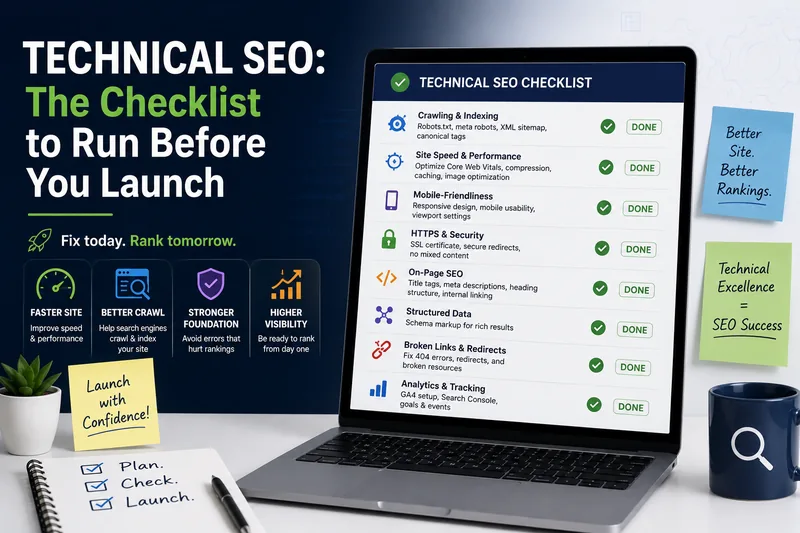
Technical SEO: The Checklist to Run Before You Launch
Most catastrophic SEO losses come from three or four things done wrong at launch — and every one of them is checkable in an afternoon.
Read article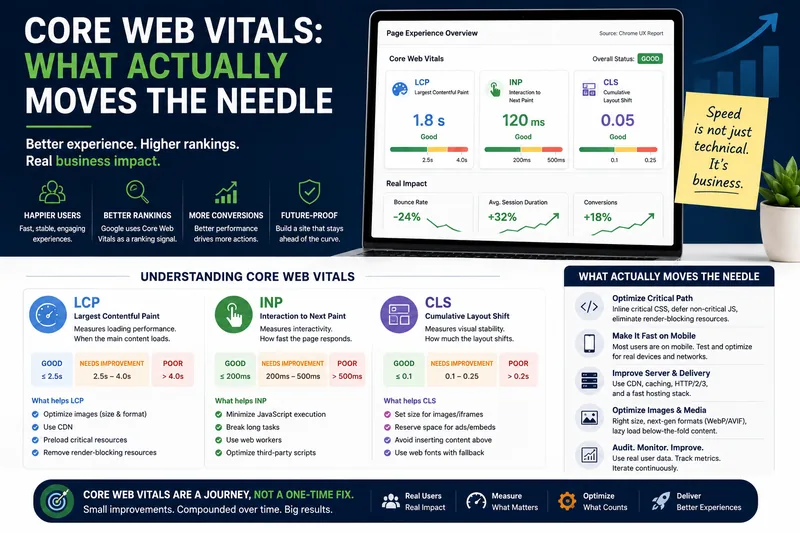
Core Web Vitals: What Actually Moves the Needle
LCP, INP and CLS explained without the folklore — and the short list of fixes that move real-user numbers rather than lab scores.
Read article